
Qwen Image ComfyUI Workflow: Generate High-Quality Images Locally
Create detailed, realistic AI images using Qwen Image with full control inside ComfyUI—no cloud, no limits.


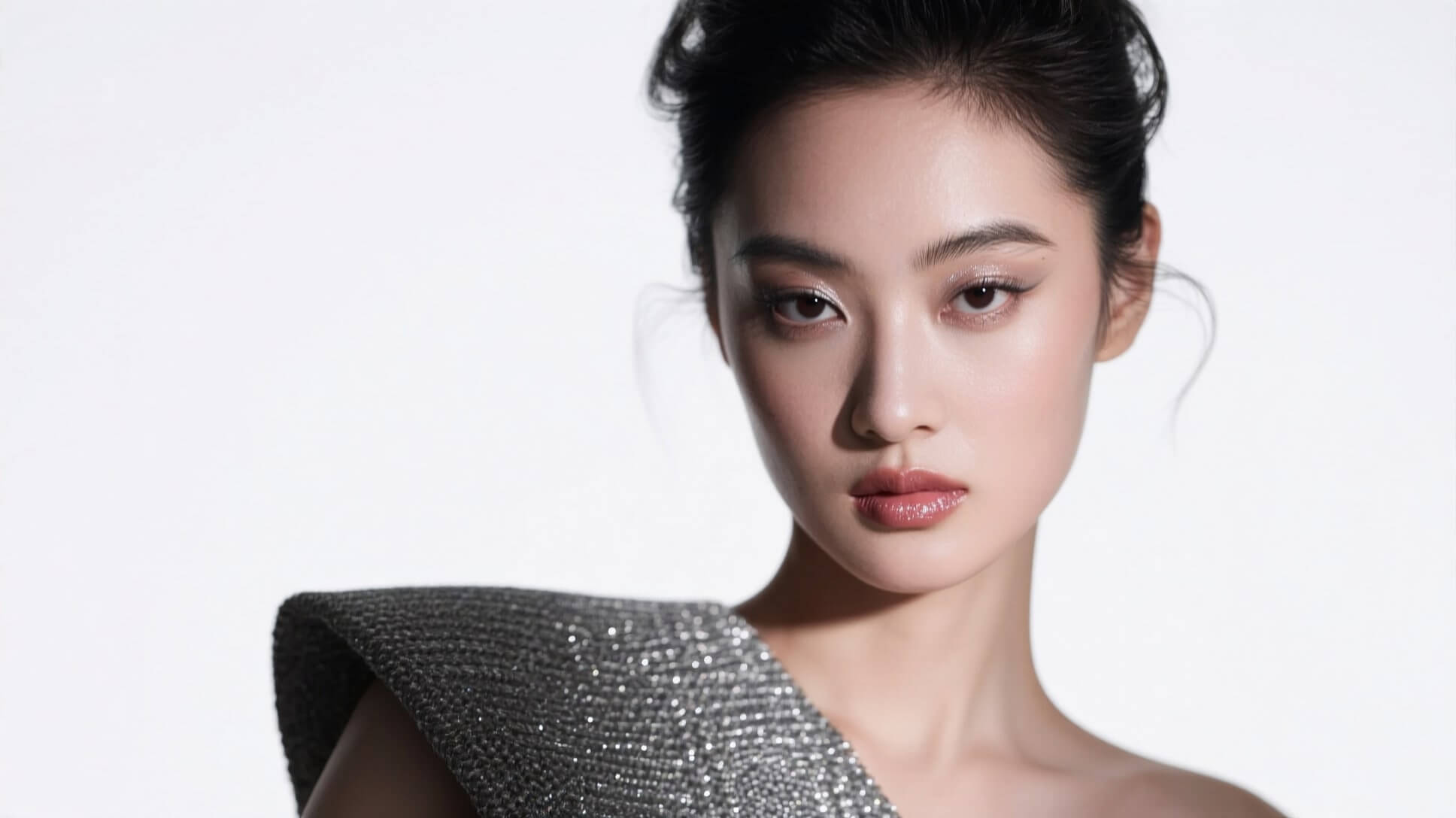
About This Workflow
Generate high-quality, detailed images from text prompts, including realistic people, fashion shots, fantasy scenes, and cinematic concepts.
Control image style and quality by adjusting CFG, steps, resolution, and workflow parameters directly inside ComfyUI.
Create sharp textures and fine details (fabric, skin, lighting, atmosphere), making it suitable for professional-looking visuals.
Run everything locally on your own GPU, giving you full privacy, no usage limits, and faster experimentation.
Easily integrate Qwen Image into custom ComfyUI workflows for batch generation, prompt testing, or creative pipelines.
Required Models
Workflow Graph
Read-only preview — Use the expand button for a larger view
Ready to use this workflow? Download the JSON file below — free, no signup needed.
Join the discussion
Sign in to leave a comment or reply
No comments yet
Be the first to share your thoughts!