Every ComfyUI workflow below is free — video, image, 3D, upscaling and audio. Hover a card to preview it, then open the workflow page to download the JSON file — no signup needed.
🔓 Logged in? Download straight from this list in one click.
Browse by
MiniMax H3 Text-to-Video ComfyUI Workflow
MiniMax H3 is an omni-modalmodel — this means one model can read text, images, video, and audio as input, and it outputs video with native stereo audio.
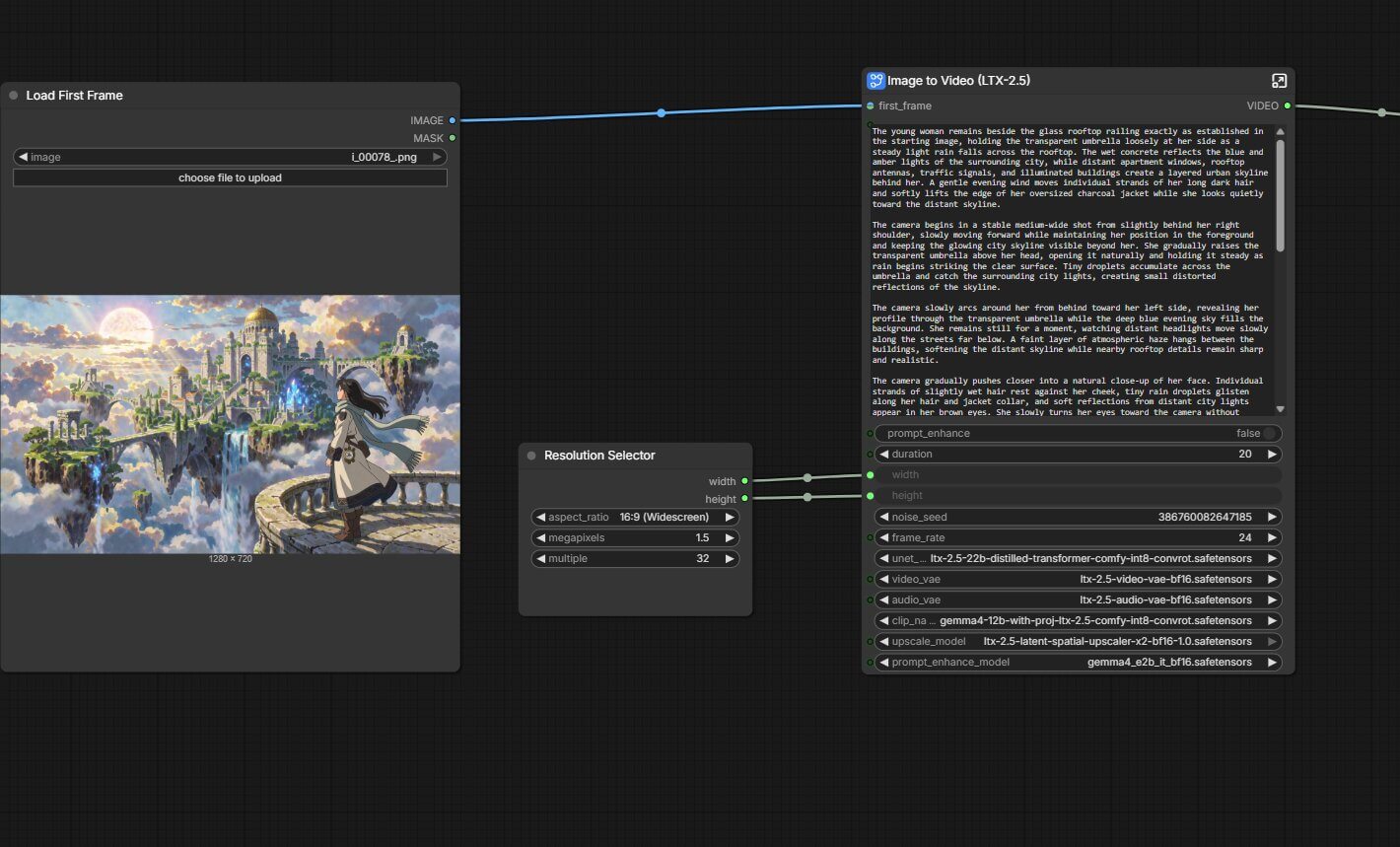
LTX-2.5 Image-to-Video ComfyUI Workflow
LTX-2.5 is Lightricks' latest open-weights video and audio model, it handles text-to-Image
LTX-2.5 Text-to-Video ComfyUI Workflow
LTX-2.5 is Lightricks' latest open-weights video and audio model, it handles text-to-video
SCAIL-2 ComfyUI Workflow
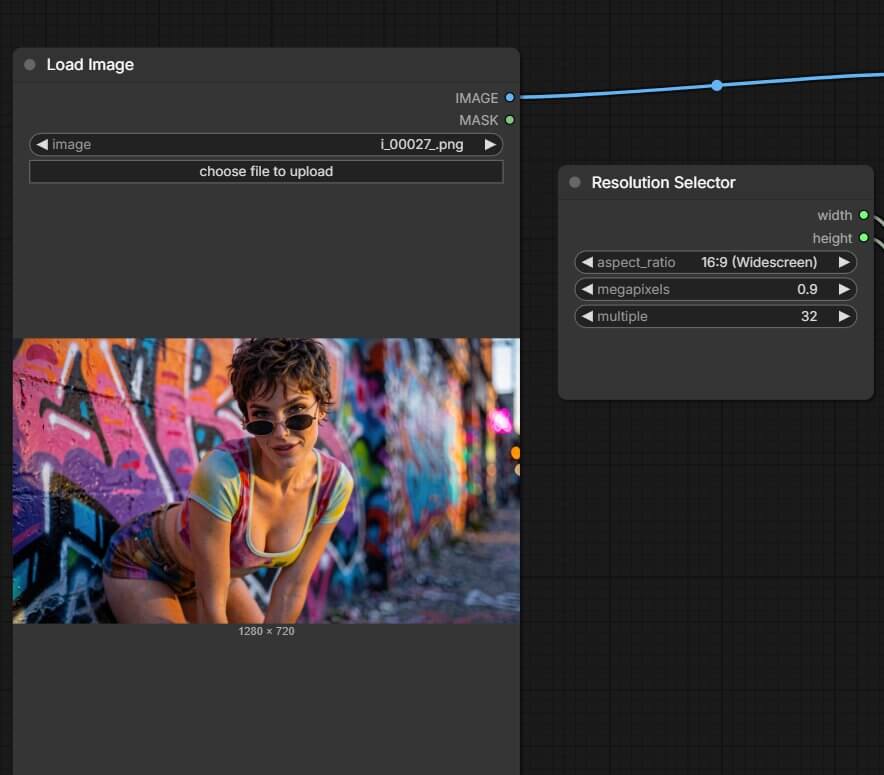
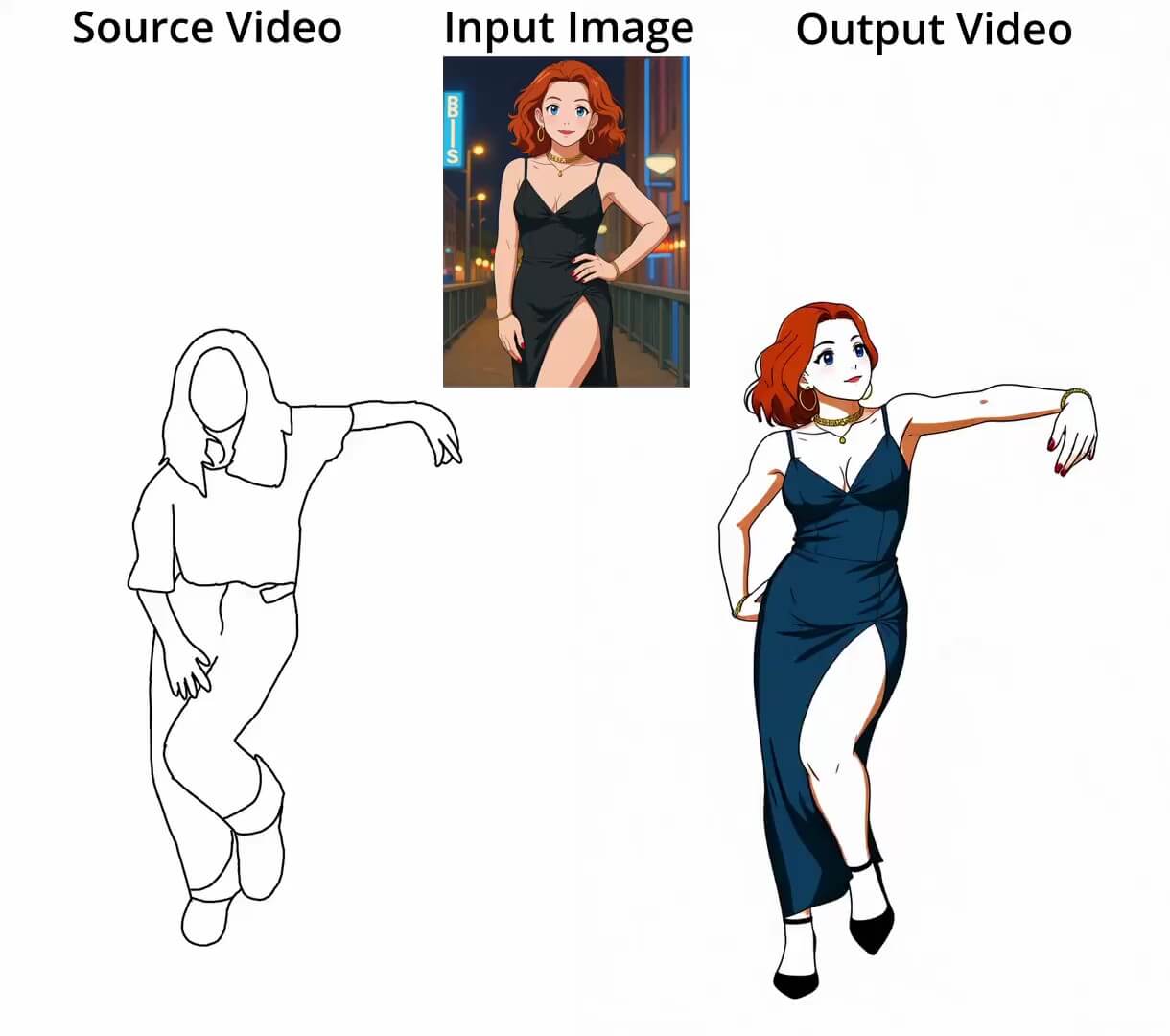
SCAIL-2 is a ComfyUI workflow built around a checkpoint that takes two inputs — a reference image of a character and a video of someone moving
YuE2 ComfyUI Workflow
YuE2 is an open-weight music generation model built by a research team called Multimodal Art Projection 'Open-weight' means the actual trained model file is public and free to download
TRELLIS 2 3D Geometry-Only Model ComfyUI Workflow
TRELLIS 2 turns a single photo into a 3D model inside ComfyUI, with two output options: geometry only (shape, no color, faster) or geometry + texture (full PBR color, slower, more VRAM)
Krea 2 Consistent Characters ComfyUI Workflow
Keep the same character across as many poses and scenes as you want — no LoRA training, just one reference photo and Krea 2 Turbo
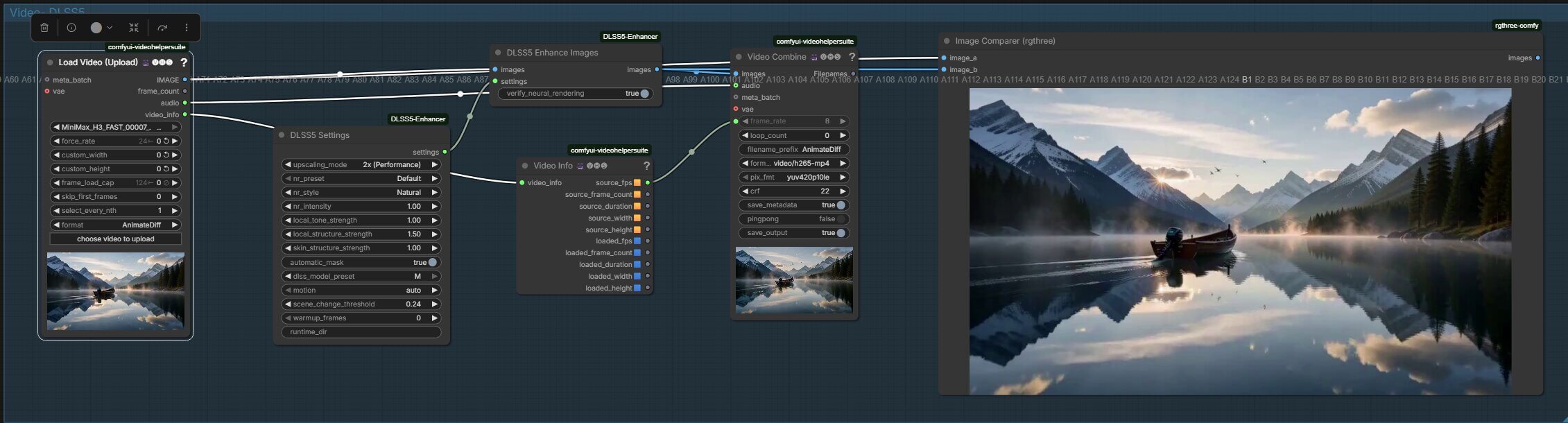
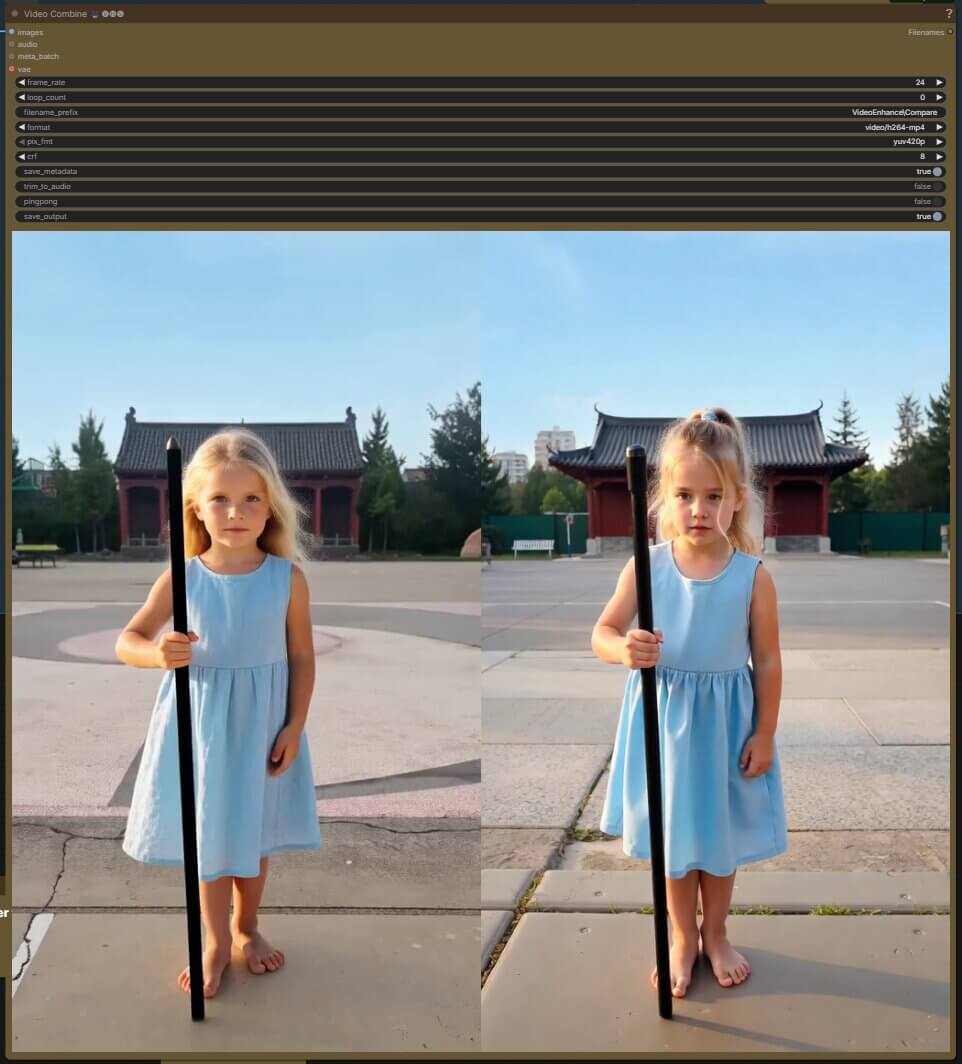
DLSS5 Enhance Image + Video ComfyUI Workflow
Z Image is the main model in the Z Image family. It's designed for quality and creative diversity — letting you create photos, digital art, anime, and illustrations from text alone
Anima ComfyUI Workflow
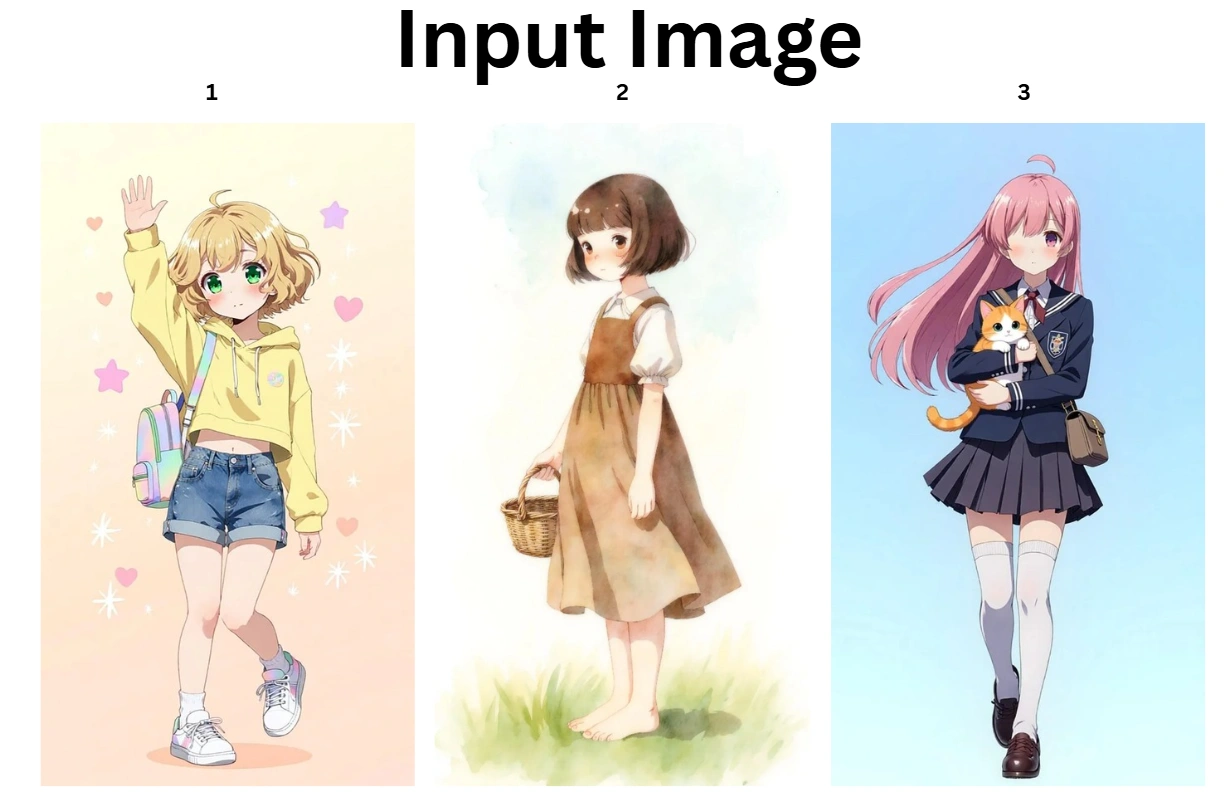
Anima is a 2-billion-parameter image generation model made by CircleStone Labs, built specifically for anime and illustration-style art.

MiniMax H3 Turbo LoRA ComfyUI Workflow
The MiniMax H3 Turbo LoRA cuts MiniMax H3 generation from around 20 sampling steps down to just 8
MiniMax H3 FastVideo ComfyUI Workflow
MiniMax H3 normally generates video through a diffusion model (this is the part of the AI that turns random noise into a finished video, a little at a time, over many repeated passes called steps)
MiniMax H3 Image-to-Video ComfyUI Workflow
MiniMax H3 Image-to-Video is an omni-modalmodel — this means one model can read text, images, video, and audio as input, and it outputs video with native stereo audio.
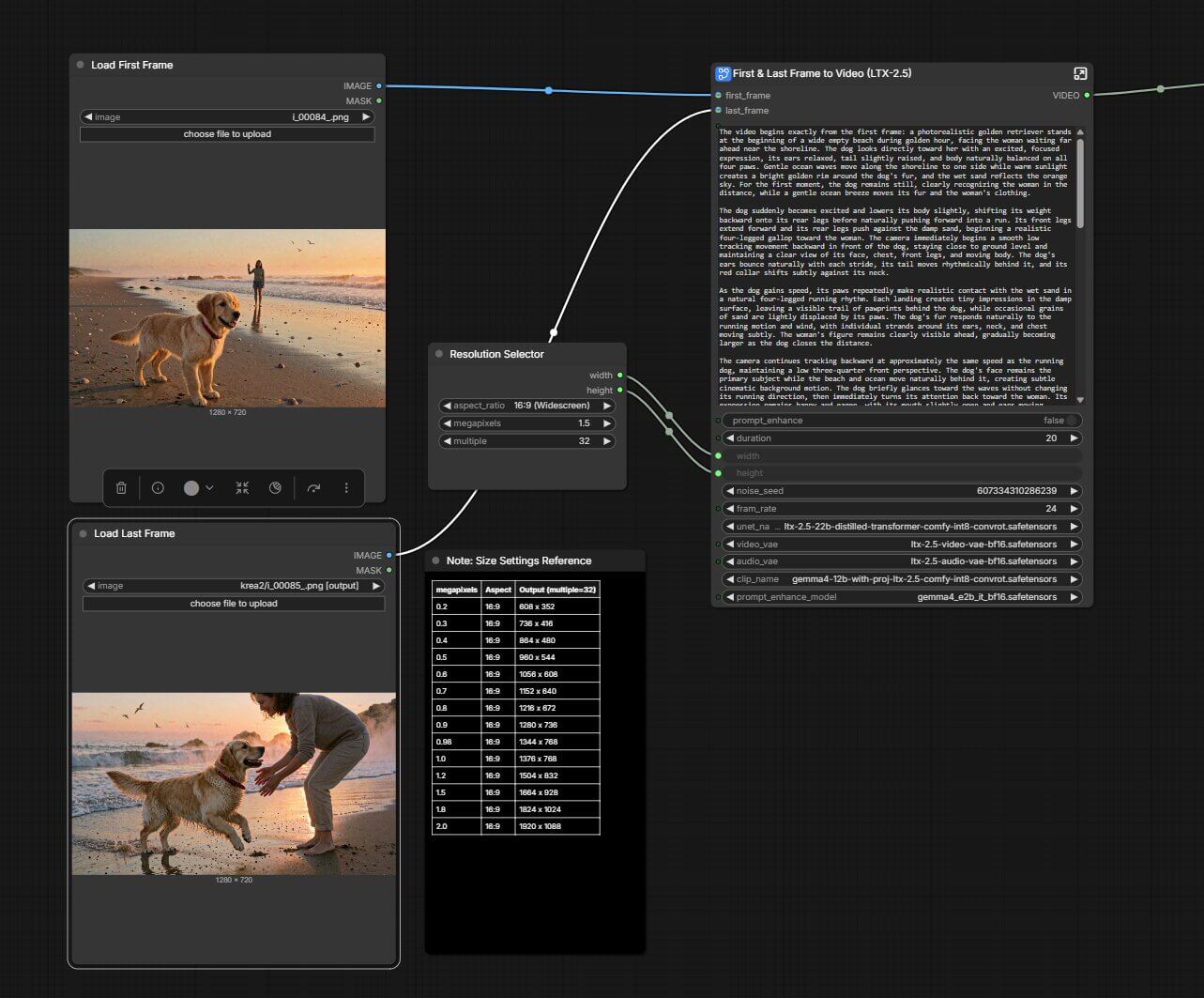
LTX-2.5 First and Last Frame ComfyUI Workflow
LTX-2.5 is Lightricks' latest open-weights video and audio model, it handles First and Last Frame
LTX 2.3 Text to Video & Image to Video ComfyUI Workflow
LTX 2.3 is a free, open-source video generation model built by Lightricks. At 22B parameters, it handles text-to-video and image-to-video
Wan 2.2 Fast T2V And I2V ComfyUI Workflow
Wan 2.2 does two jobs from one model family: text-to-video (T2V) — you write a prompt, it generates a clip from nothing — and image-to-video (I2V) — you give it a starting image plus a prompt, and it animates that image into a video
SCAIL-2 Replace Character ComfyUI Workflow
SCAIL-2's Replacement Mode swaps a person in your video with a reference character image, keeping the original motion, framing, and scene intact.
LTX-2 Text to Video (T2V) in ComfyUI: AI Video Generation
Learn how to use LTX-2 Text to Video in ComfyUI to generate high-quality AI videos
LTX-2 Image to Video (I2V) in ComfyUI: Turn Images into AI Videos
Turn your static images into flowing, AI videos with the new LTX-2 Image to Video (I2V) model inside ComfyUI.
WAN LongCatAvatar: Create Talking AI Avatars in ComfyUI
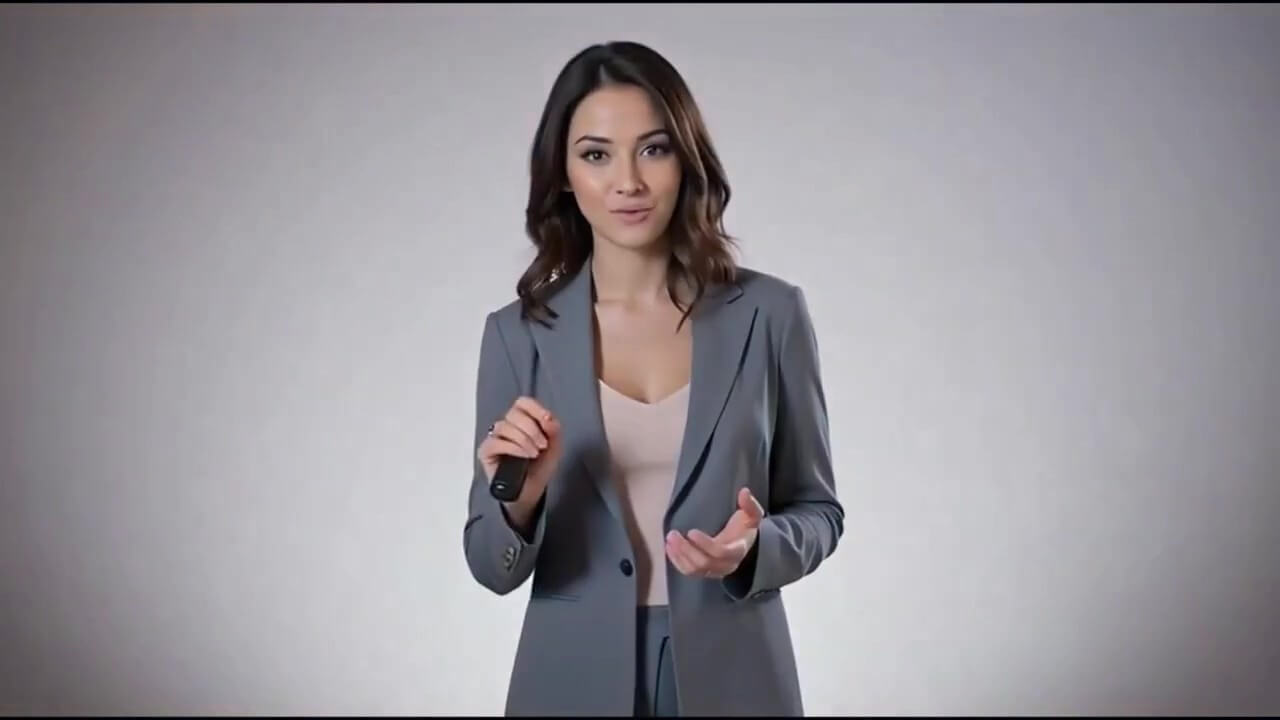
Turn a single image into a realistic talking avatar using audio-driven animation with WAN LongCatAvatar.
WAN2.2 Image-to-Video Fight Workflow
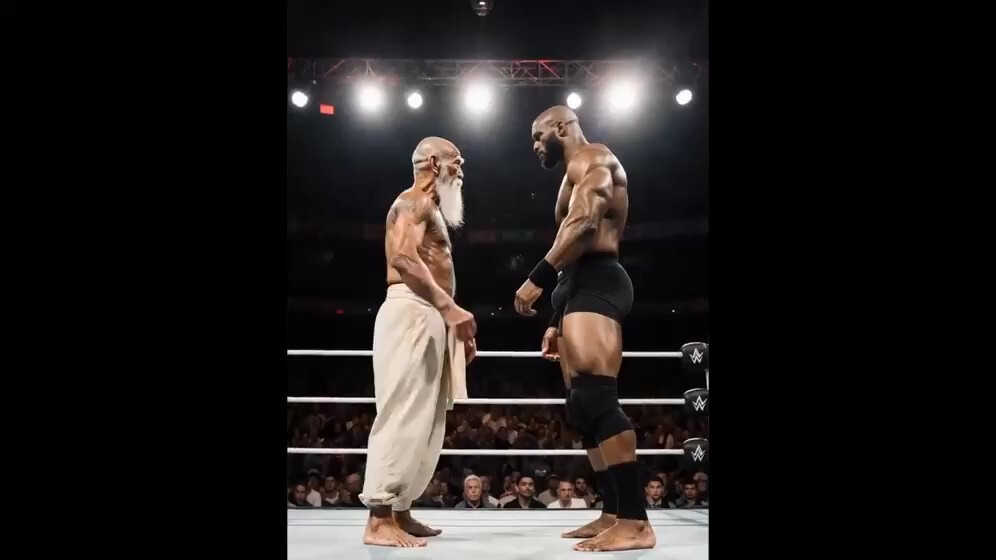
A ComfyUI workflow using the WAN2.2 model for generating dynamic fight sequences from images
Wan2.2 Sound-to-Video in ComfyUI: Create Audio-Reactive AI Videos Locally
Turn music and sound into beat-synced AI videos using the Wan2.2 sound-conditioned workflow in ComfyUI.
Wan2.2-Animate in ComfyUI: Create AI Character Animations Locally
Animate images or replace characters in videos using the Wan2.2-Animate workflow with full local control in ComfyUI.
FLUX.2 Klein Outpaint ComfyUI Workflow
Outpainting expands an image by generating new content beyond its original edges. You specify how many pixels to add to the left, right, top, bottom

FLUX.2 Klein Inpaint ComfyUI Workflow
Inpainting fills or replaces parts of an existing image. You paint a mask over the area you want to change, write a prompt describing what should appear there
Consistent Characters with Nano Banana ComfyUI Workflow
If you've ever wanted to create an AI character that looks the same in every image, Nano Banana makes it easy
Qwen Multiangle ComfyUI Workflow
One reference image, up to 96 camera angles — install the node, download the models, and start generating consistent multi-angle results for free.
ComfyUI Character Qwen Image Edit 2511 ComfyUI Workflow
Keep any character's face consistent across images in ComfyUI — single reference, multi-character scenes, and group shots
Z Image ComfyUI Workflow
Krea 2 Turbo ComfyUI Workflow
Krea 2 Turbo is a free, open-weight AI image generator you can run yourself in ComfyUI
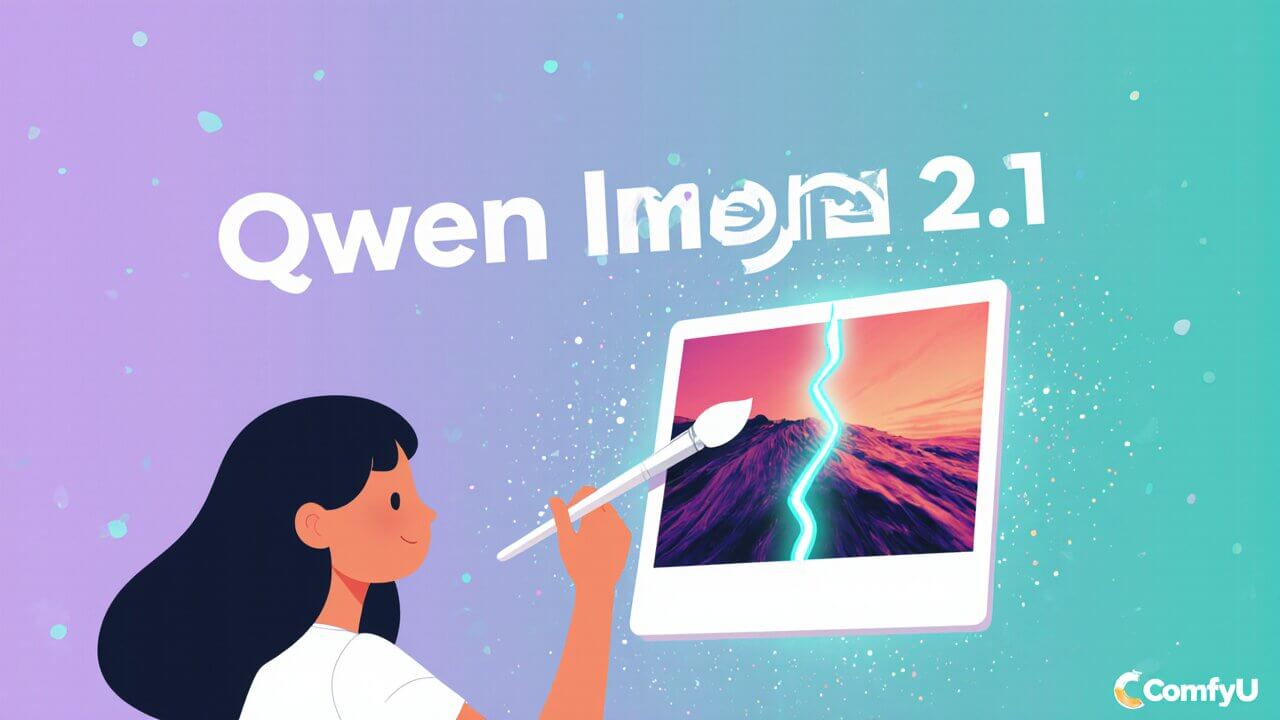
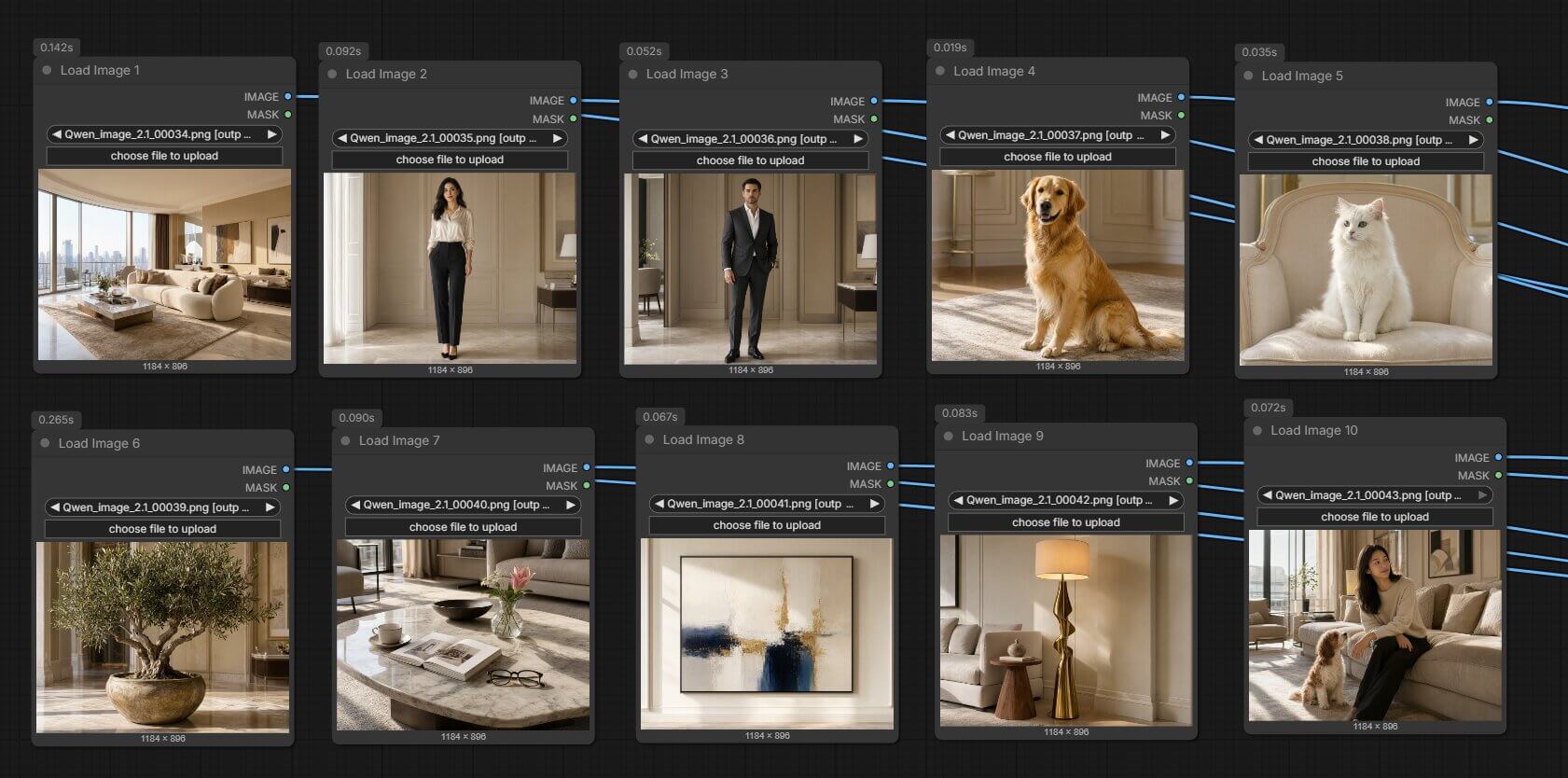
Qwen Image 2.1 10 Reference Images ComfyUI Workflow
Qwen Image 2.1 The 10 image slots are not 10 copies of the same photo — they're 10 different sources the model reads at once
Qwen Image 2.1 GGUF ComfyUI Workflow
Qwen Image 2.1 GGUF versions of it — a compressed file format that shrinks an AI model so it fits in less VRAM (the memory on your graphics card).
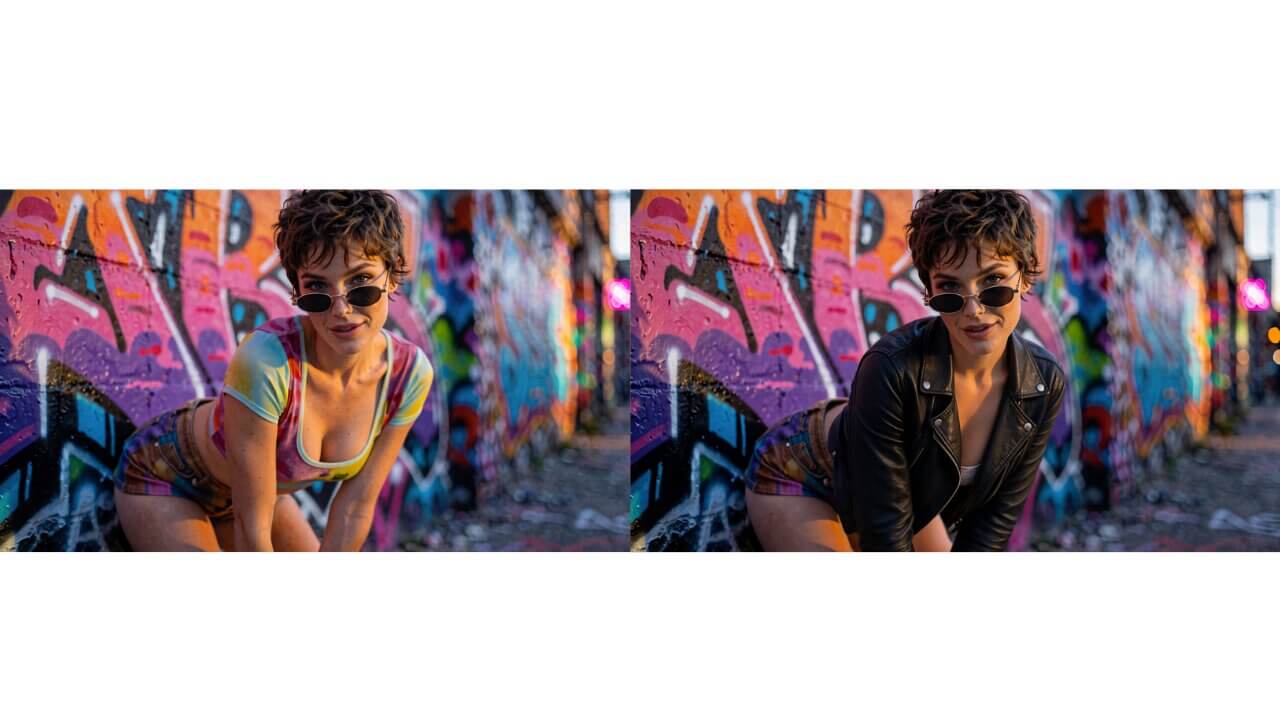
Qwen Image 2.1 Image Edit ComfyUI Workflow
Qwen Image 2.1 image edit it edits an existing photo using a text prompt, and it can write a real transparent background directly into the result, with no separate cutout tool needed
Qwen Image 2.1 ComfyUI Workflow
Qwen Image 2.1 does both jobs — generating new images and editing existing ones — inside one single model, instead of needing two separate downloads.
Flux Krea ComfyUI Workflow
Flux Krea (FLUX.1-Krea-dev) is a powerful text-to-image model that produces highly realistic, detail-rich results directly from natural language prompts.
FLUX.2 Multi-Reference Generation ComfyUI Workflow
Multi-reference lets you provide up to 10 images as style or subject references in a single workflow run.
FLUX.2 ComfyUI Workflow
Unlock advanced AI image generation with FLUX.2 in ComfyUI. FLUX.2's improved understanding of real-world context, physics, and spatial reasoning produces more convincing scenes.
Flux.1 Dev ComfyUI Workflow
Flux.1 Dev produces higher-quality images than Schnell and follows prompts more precisely. It is licensed for non-commercial use and needs 24 GB of VRAM at full precision
Flux.1 Schnell ComfyUI Workflow
Flux.1 Schnell is the fastest option for local image generation. It produces good quality results in fewer steps and is available under the Apache 2.0 license
Ideogram 4.0 ComfyUI Workflow
The best open-weight image model for text rendering and poster design.
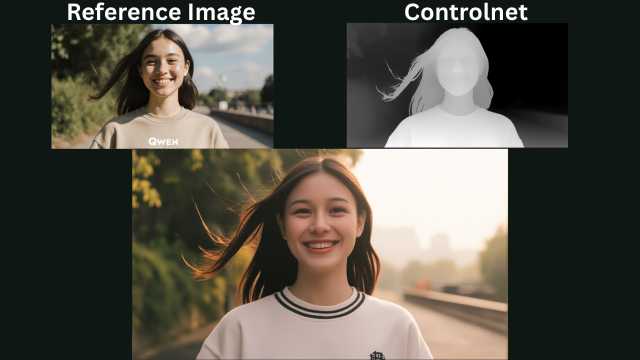
Qwen Basic ControlNet Workflow in ComfyUI
This ComfyUI Qwen Basic ControlNet workflow lets you generate accurate AI images using a ControlNet reference image and prompt, while keeping the structure based on the selected ControlNet type.
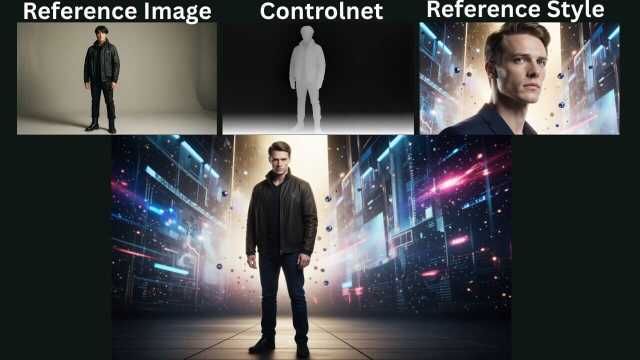
Qwen ControlNet + Style Reference Workflow in ComfyUI
This ComfyUI Qwen ControlNet workflow lets you generate images using a ControlNet reference image for structure and a style reference image to match the same visual style in the output.
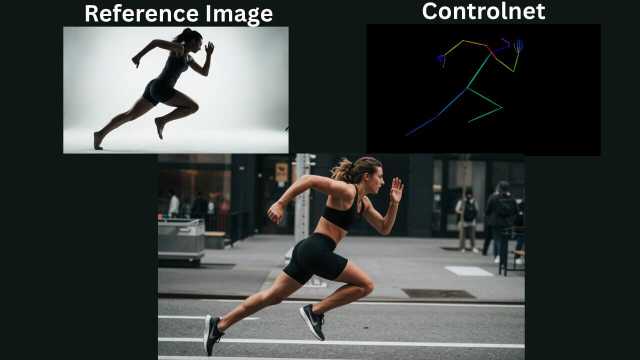
Z-Image ControlNet Workflow in ComfyUI
This ComfyUI Z-Image ControlNet workflow lets you use a reference image with ControlNet to generate accurate AI images based on your prompt and selected ControlNet type.
Flux.2 Klein in ComfyUI: Simple Guide for Text-to-Image and Editing
A beginner-friendly walkthrough to use Flux.2 Klein for images and edits inside ComfyUI.
Qwen Image 2512: Create Stunning Text-to-Image AI Art
How to generate ultra-realistic AI art with Qwen Image 2512 in ComfyUI
FLUX.1 Kontext Image Editing in ComfyUI: Edit Images with Context
Make precise, context-aware image edits using text prompts with the FLUX.1 Kontext workflow in ComfyUI.
Create Consistent AI Characters with Nano Banana in ComfyUI
Design, edit, and animate the same AI character across images and videos using the Nano Banana workflow with WAN 2.2.
ChronoEdit ComfyUI Workflow: Realistic AI Image Editing Made Easy
Edit, transform, and restyle images while preserving realism and character consistency using ChronoEdit in ComfyUI.
Wan2.2 Text-to-Image ComfyUI Workflow: Generate High-Quality Images Locally
Create detailed, cinematic, and realistic AI images from text prompts using the Wan2.2 model with full local control in ComfyUI.
Qwen Image ComfyUI Workflow: Generate High-Quality Images Locally
Create detailed, realistic AI images using Qwen Image with full control inside ComfyUI—no cloud, no limits.
FLUX.2 ComfyUI Workflow: Advanced Image Generation with Multi-Reference Generation
Learn how to Unlocking Advanced Image Generation with FLUX.2 on ComfyUI.
Qwen Image Edit 2509 ComfyUI Workflow: Easy Image Edit With the Qwen Image Edit
Learn how use Qwen Image Edit 2509 workflow for image editing in ComfyUI.
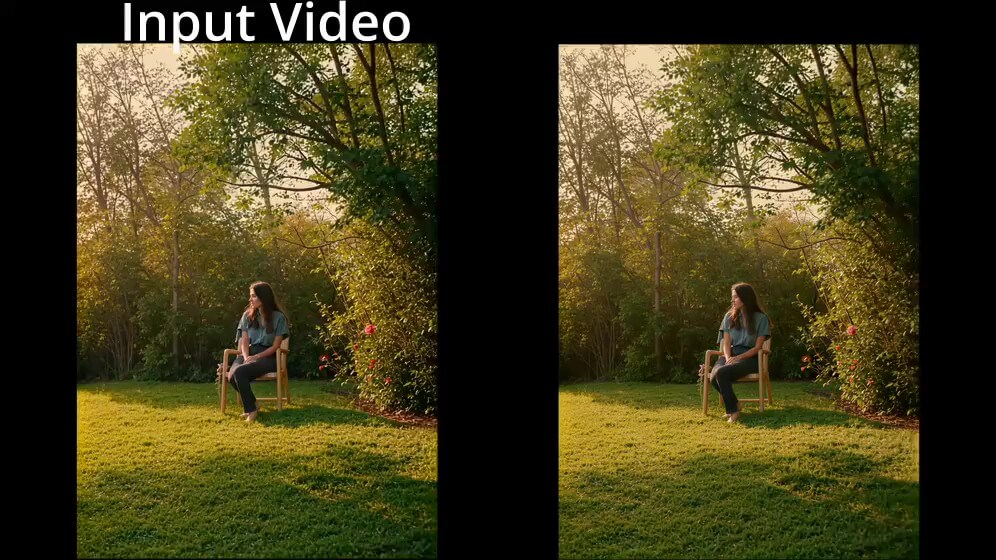
Wan Video Upscale ComfyUI Workflow
A two-stage pipeline that redraws your video with Wan's diffusion model and a FusionX LoRA stack, then upscales and smooths it with RealESRGAN and RIFE
SeedVR2 in ComfyUI: High-Quality AI Image Upscaling Workflow
Use the SeedVR2 workflow in ComfyUI to upscale images with clearer details and realistic shadow restoration.
SeedVR2 Video Upscaling in ComfyUI: High-Quality AI Video Upscale Workflow
Learn how to upscale videos using SeedVR2 in ComfyUI. Step-by-step workflow to enhance video quality, restore details, and improve shadows.
MiniMax Music 3 ComfyUI Workflow
MiniMax Music 3 is an AI model that turns a written description and a set of lyrics into a finished song, complete with vocals, instruments, and a full arrangement.
Ace Text-to-Song in ComfyUI: Generate Music and Vocals Locally
Create complete AI-generated songs from text prompts using the Ace (ACE-Step) music workflow inside ComfyUI.
Kokoro Speaker in ComfyUI: Local Text-to-Speech Workflow
Generate natural, customizable AI voice audio locally using the open-source Kokoro Speaker workflow in ComfyUI.
TRELLIS 2 3D Geometry + Texture Model ComfyUI Workflow
TRELLIS 2 turns a single photo into a 3D model Geometry + Texture inside ComfyUI, with two output options: geometry only (shape, no color, faster) or geometry + texture (full PBR color, slower, more VRAM)
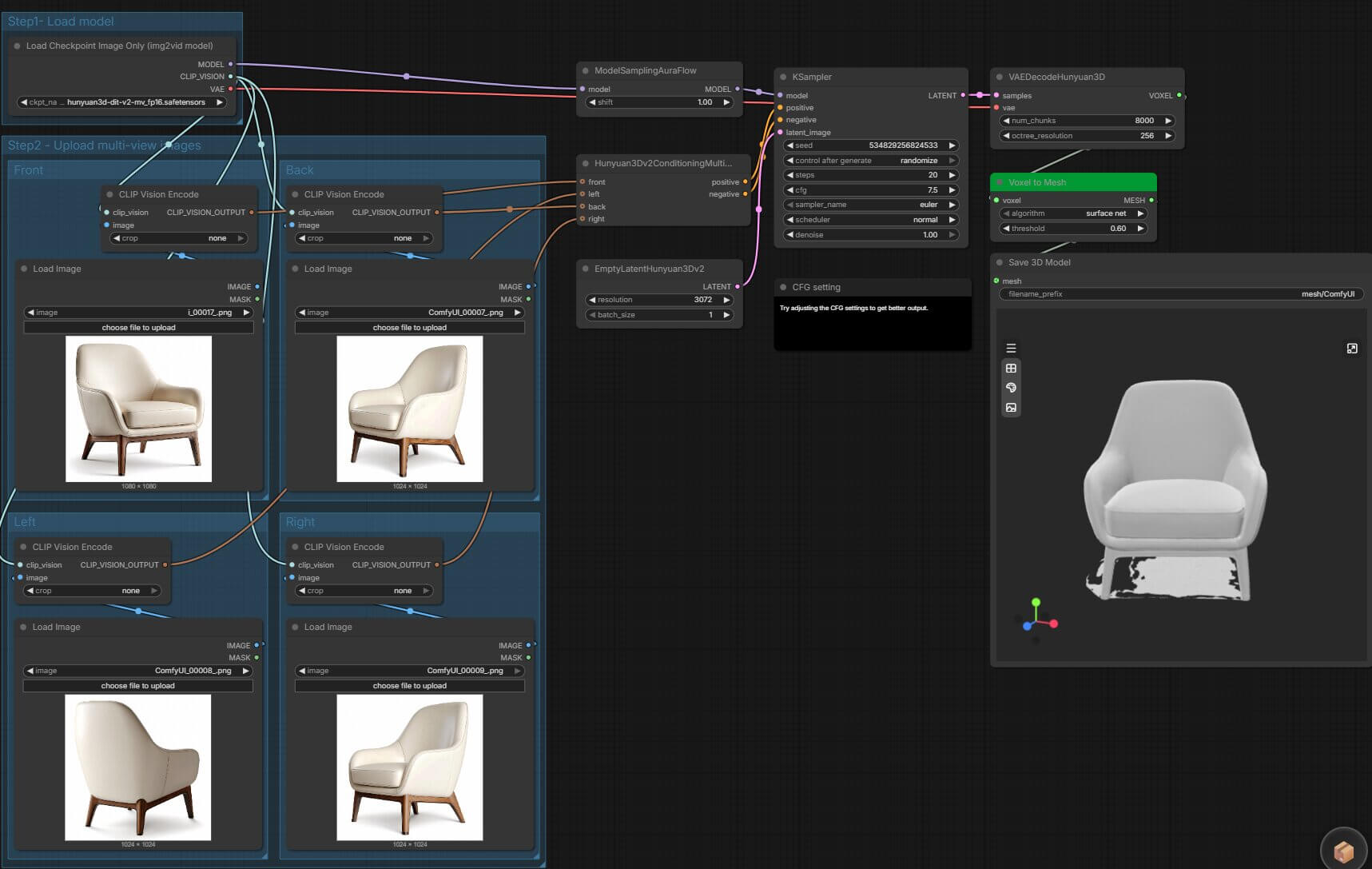
Hunyuan3D 2.1 Multi-View 3D Model ComfyUI Workflow
Turning a product photo into a usable 3D mesh using Hunyuan3D 2.0 Multi-View for four angles workflwo
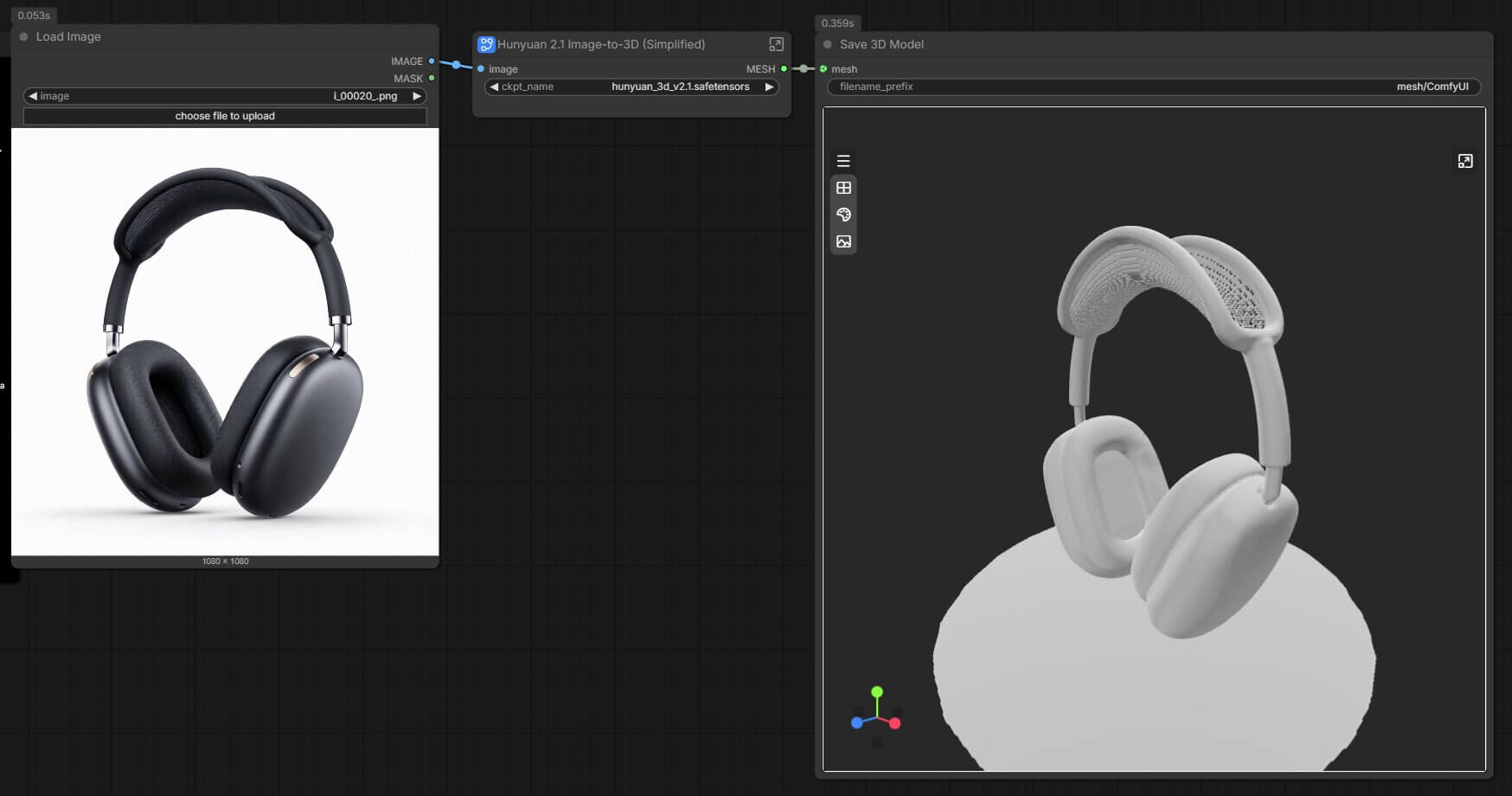
Hunyuan3D 2.1 One Photo Into a 3D Model ComfyUI Workflow
Turning a single product photo into a usable 3D mesh used to mean learning photogrammetry or paying for a scanning service