
Qwen Image 2512: Create Stunning Text-to-Image AI Art
How to generate ultra-realistic AI art with Qwen Image 2512 in ComfyUI


About This Workflow
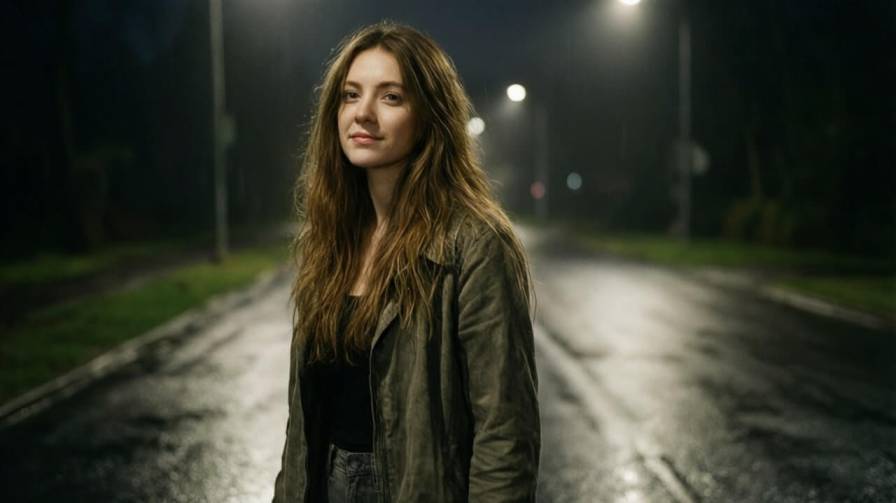
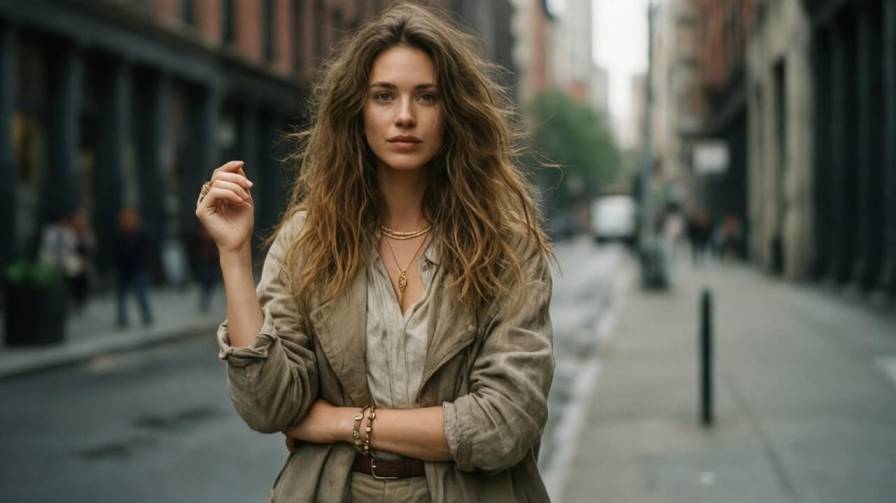
Creates ultra-realistic images from text Qwen Image 2512 turns written prompts into high-quality images with realistic faces, natural skin textures, and accurate details.
Excels at human portraits and realism It produces lifelike people with correct proportions, natural expressions, and believable lighting that looks close to real photography.
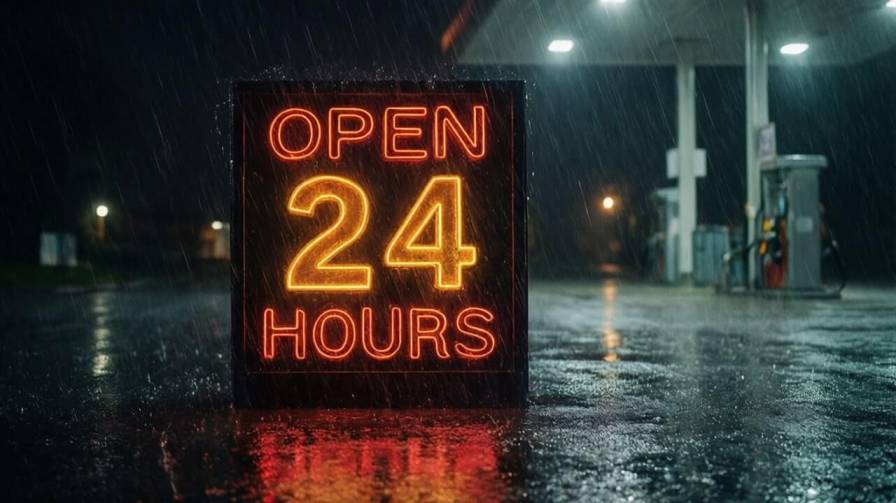
Generates clear and readable text inside images Qwen Image 2512 can accurately render words and signs in images, making it useful for posters, banners, infographics, and memes.
Handles lighting, textures, and environments well The model creates realistic lighting, fabric folds, reflections, rain, shadows, and outdoor or indoor scenes with strong visual depth.
Used with ComfyUI for creative and professional work Artists, designers, and content creators use Qwen Image 2512 in ComfyUI to create AI art, marketing visuals, thumbnails, and photo-style images easily.
Required Models
Workflow Graph
Read-only preview — Use the expand button for a larger view
Ready to use this workflow? Download the JSON file below.
Join the discussion
Sign in to leave a comment or reply
No comments yet
Be the first to share your thoughts!