
Qwen Image Edit 2509 ComfyUI Workflow: Easy Image Edit With the Qwen Image Edit
Learn how use Qwen Image Edit 2509 workflow for image editing in ComfyUI.
About This Workflow
What Qwen Image Edit Can Do
Advanced Image Editing Qwen Image Edit 2509 allows you to edit images easily using short prompts while maintaining high-quality results.
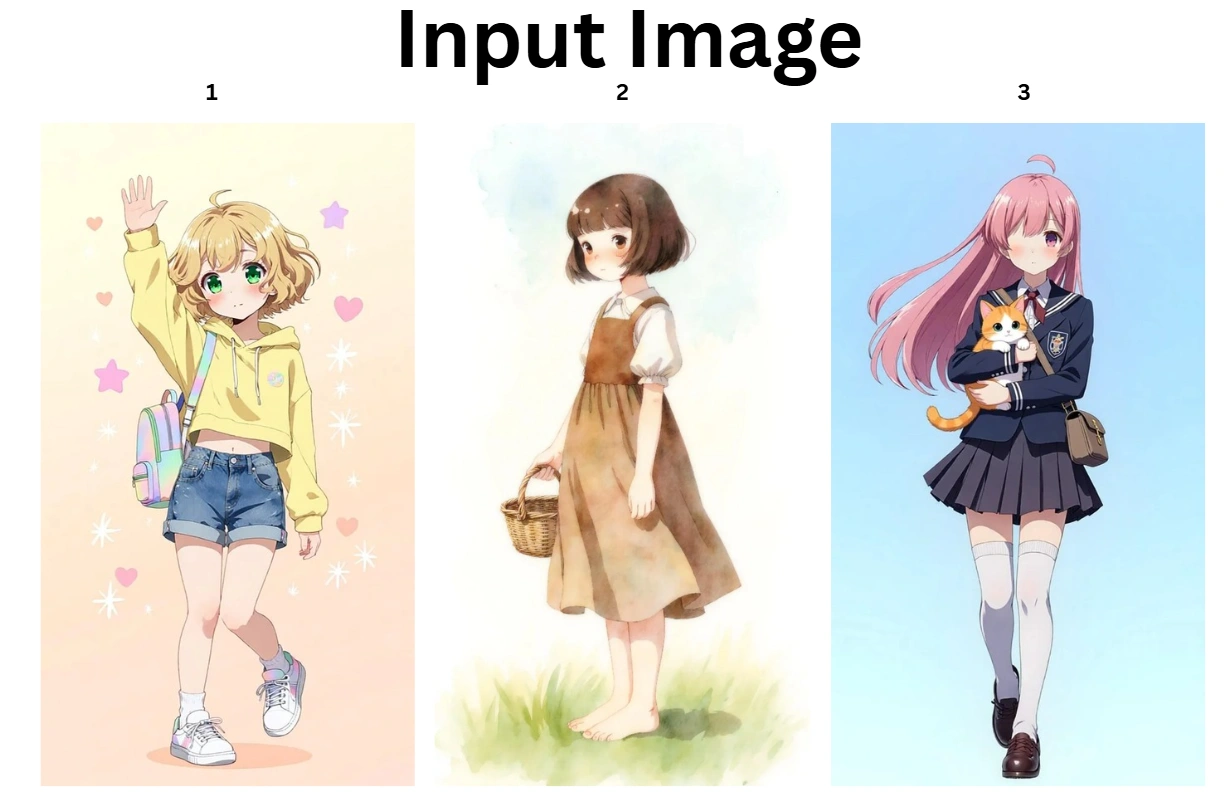
Character Consistency You can keep the same character appearance across different images, poses, and scenes.
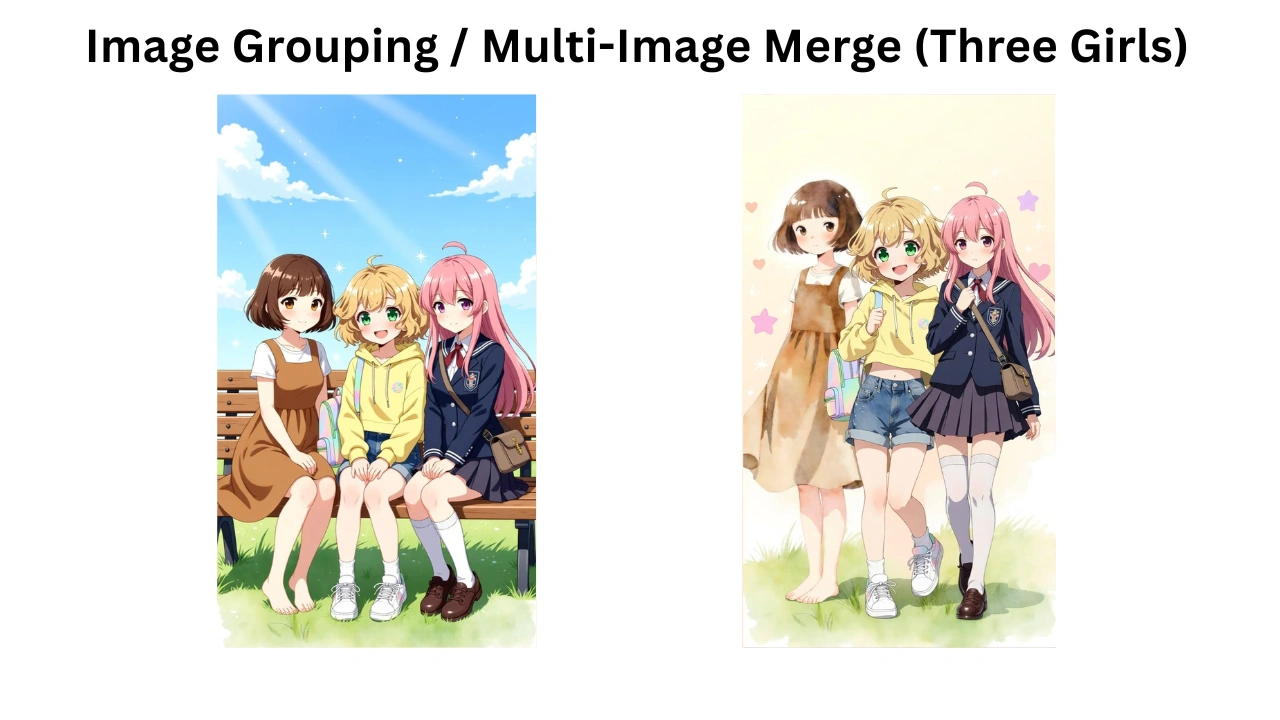
Multi-Image Merge / Image Grouping Multiple images can be combined into a single natural-looking photo with matched lighting and proportions.
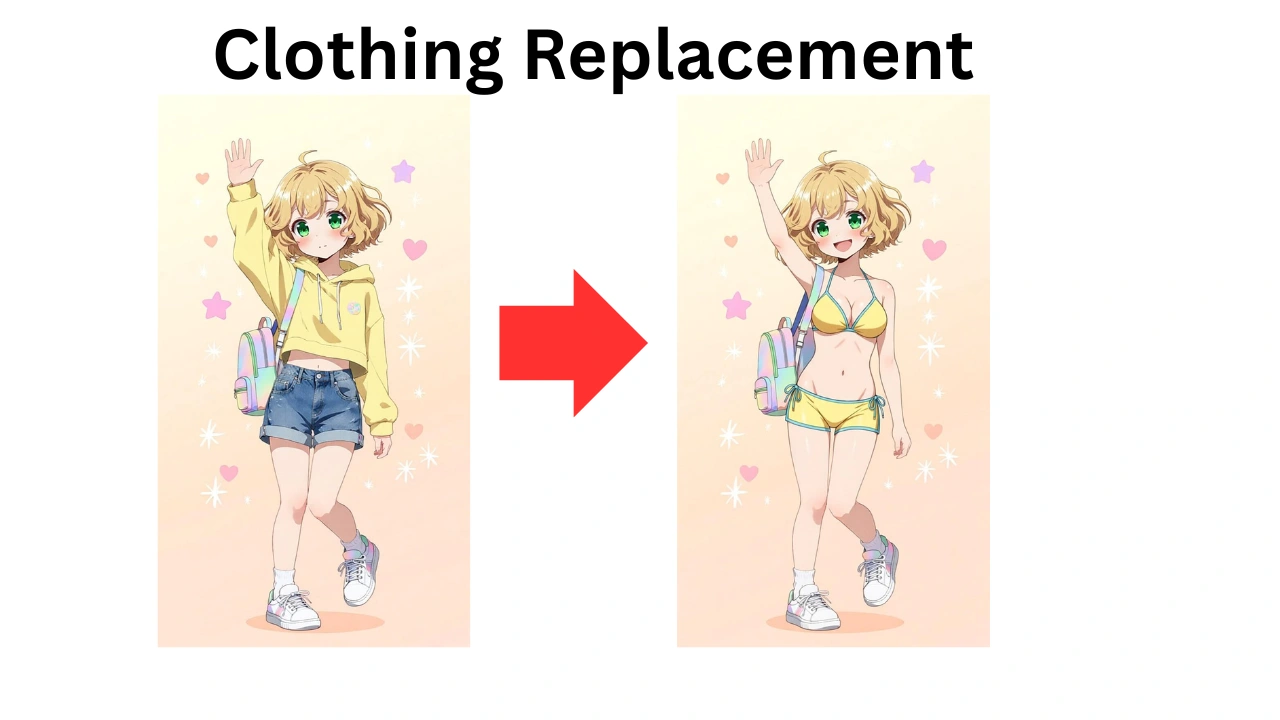
Clothing Replacement Outfits can be changed while keeping the character’s pose, face, hairstyle, and overall style the same.
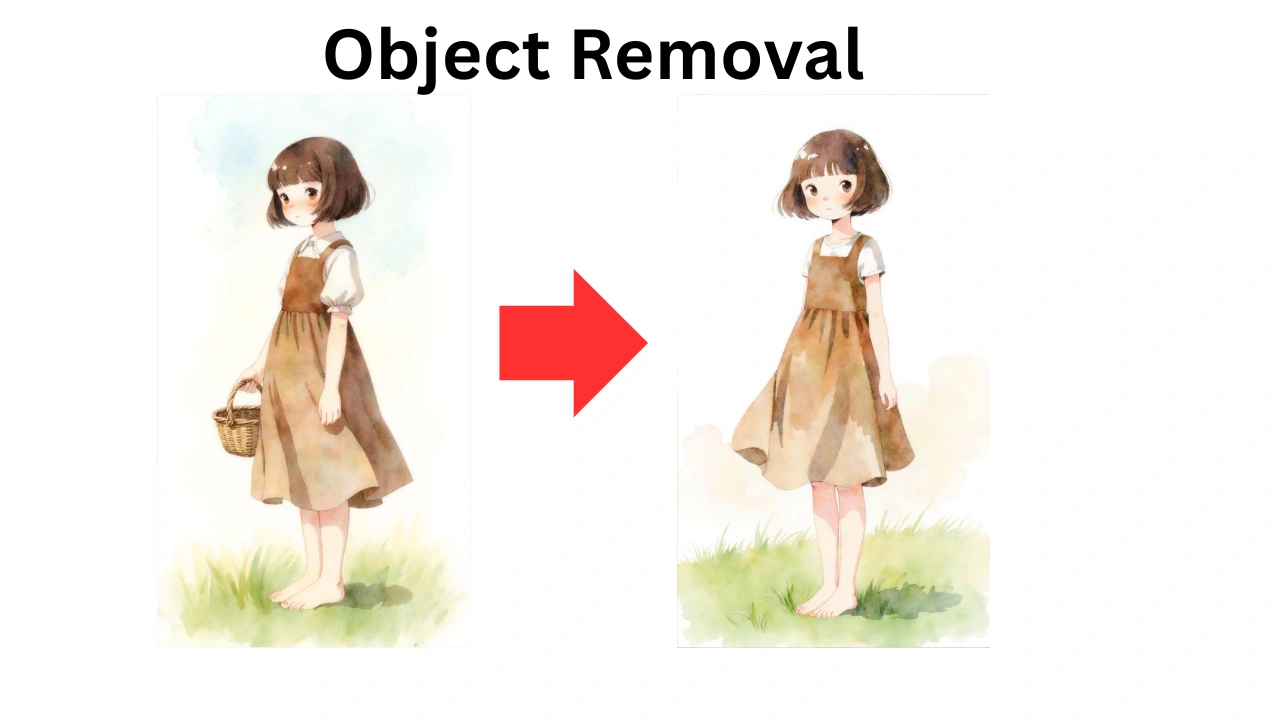
Object Removal Unwanted objects can be removed and the empty area is filled naturally without affecting the rest of the image.
Object Addition New elements like animals or objects can be added while matching the original lighting and art style.
Face Editing (Expression Change) Facial expressions can be adjusted without changing the character’s identity or visual style.
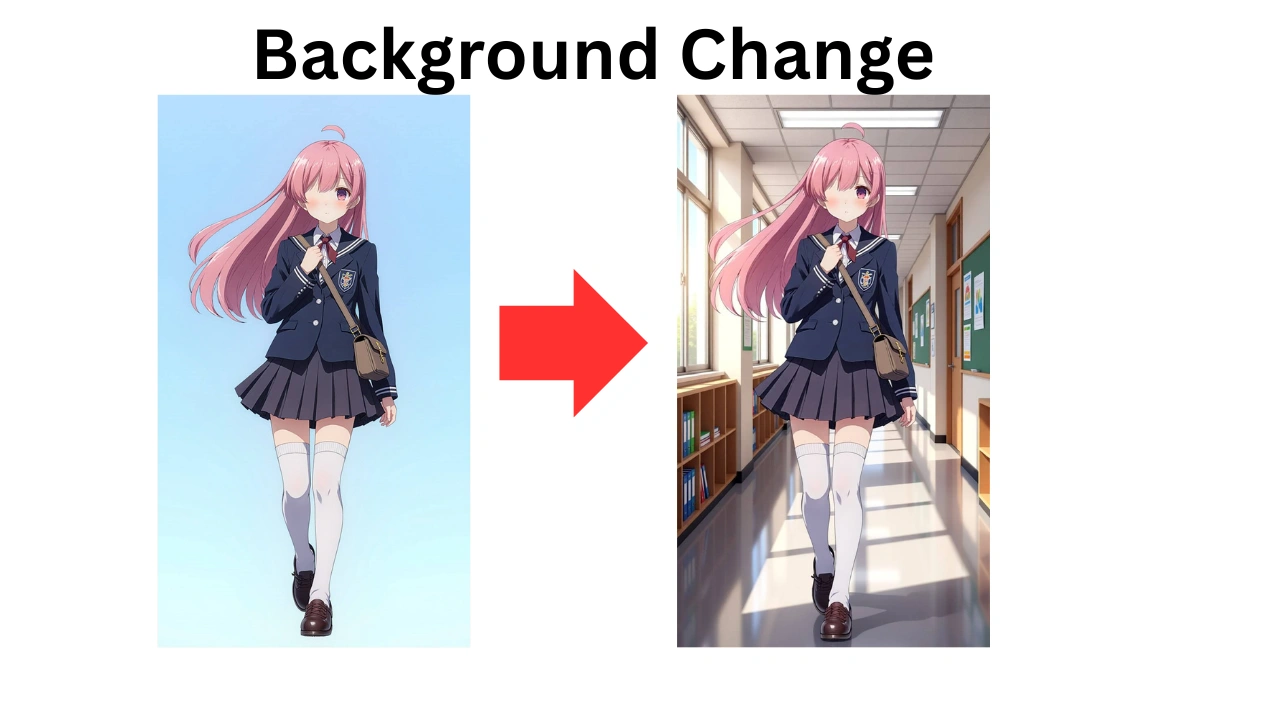
Background Change Backgrounds can be replaced completely while keeping the subject consistent and naturally blended.
Required Models
Workflow Graph
Read-only preview — Use the expand button for a larger view
Ready to use this workflow? Download the JSON file below — free, no signup needed.
Join the discussion
Sign in to leave a comment or reply
No comments yet
Be the first to share your thoughts!