
SeedVR2 in ComfyUI: High-Quality AI Image Upscaling Workflow
Use the SeedVR2 workflow in ComfyUI to upscale images with clearer details and realistic shadow restoration.
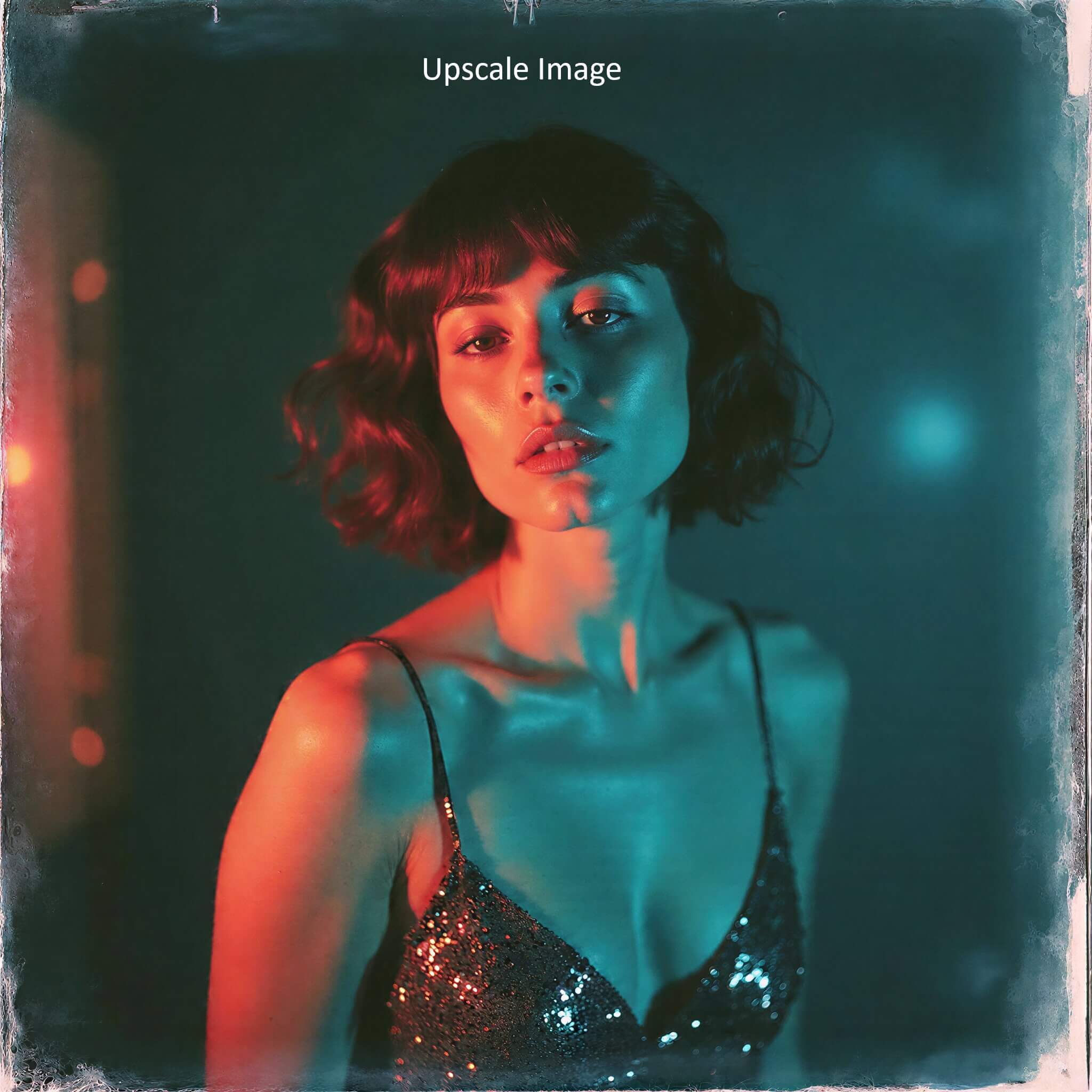



About This Workflow
SeedVR2 is an advanced image upscaling workflow that improves image details while keeping shadows and dark areas natural. It works better than basic upscalers, especially on low-quality or difficult images.
Steps to Use SeedVR2 in Comfyui
1- Download the SeedVR2 workflow file.
2- Open it in ComfyUI and fix any red nodes. Red nodes mean some models or custom nodes are missing. Follow the linked blog to fix these issues.- https://www.earngenix.com/tutorials/install-missing-nodes-comfyui
2.a- Install the required GitHub custom nodes used in this workflow: https://github.com/numz/ComfyUI-SeedVR2_VideoUpscaler.git https://github.com/ltdrdata/ComfyUI-Inspire-Pack
3- Load your image into the workflow.
4- Select a SeedVR2 model based on your GPU: Use 7B fp16 if you have a powerful GPU Use 7B fp8 or 3B if your VRAM is limited
Run the workflow. The selected SeedVR2 model will download automatically the first time you run it.
Required Models
Workflow Graph
Read-only preview — Use the expand button for a larger view
Ready to use this workflow? Download the JSON file below — free, no signup needed.
Join the discussion
Sign in to leave a comment or reply
No comments yet
Be the first to share your thoughts!