
⚡ Quick Answer
Krea 2 and Ideogram 4.0 are the two strongest local image models to arrive in 2026. Krea 2 wins on photorealism and speed. Ideogram 4.0 wins on in-image text and typography. FLUX.2 and Qwen-Image 2.0 round out the top tier if you need multi-reference consistency or bilingual text rendering. All four run in ComfyUI on consumer GPUs starting around 8–16 GB VRAM.
2026 changed what "local image model" means. A year ago, running a model on your own GPU meant accepting a quality gap against closed APIs like GPT Image or Nano Banana. That gap is mostly gone now. Krea 2 sits within 0.14 points of GPT Image 2 on style fidelity, and Ideogram — a model that never released local weights before — went open-weight for the first time in June 2026.
This is a ranked, ComfyUI-tested list of the best local image generation models in 2026, based on real VRAM numbers, real license terms, and what each model is actually good at — not a generic infrastructure comparison.
What Makes a Local Image Model "Best" in 2026?
Four things separate a genuinely useful local model from one that looks good in a benchmark chart: photorealism and prompt adherence, VRAM footprint, license, and speed.
Open-weight means the model's trained parameters (the weights) are downloadable and runnable on your own hardware. It does not automatically mean open-source — the training code and data usually stay private, and the license attached to the weights can still restrict commercial use. Every model in this article gets its license called out explicitly, because two of them — Krea 2 and Ideogram 4.0 — have terms that will affect how you can use your output.
The Best Local Image Generation Models in 2026 (Ranked)
1. Krea 2 — Best Overall Photorealism
Krea 2 is a 12-billion-parameter Diffusion Transformer (DiT) from Krea AI, trained from scratch on real images with no synthetic data in the pretraining mix. It ranks #1 among text-to-image models from independent labs on Artificial Analysis and sits within 0.14 points of GPT Image 2 on style fidelity — the closest an open-weight release has gotten to the closed frontier.
It ships as two checkpoints designed to work together: Krea 2 RAW, the undistilled base model with 52-step sampling, built for LoRA training and fine-tuning; and Krea 2 Turbo, the distilled 8-step inference model you'll actually run day to day.
VRAM
The FP8 Turbo build is 12.01 GB on disk (down from 24.76 GB in BF16), fitting comfortably on a 16 GB card with room to spare. Quantized nvfp4 variants push this down to around 8–12 GB.
License
Krea 2 Community License. You own your outputs. Commercial use is free only if your company's total annual revenue is under $1,000,000 USD — above that, you need an Enterprise License.
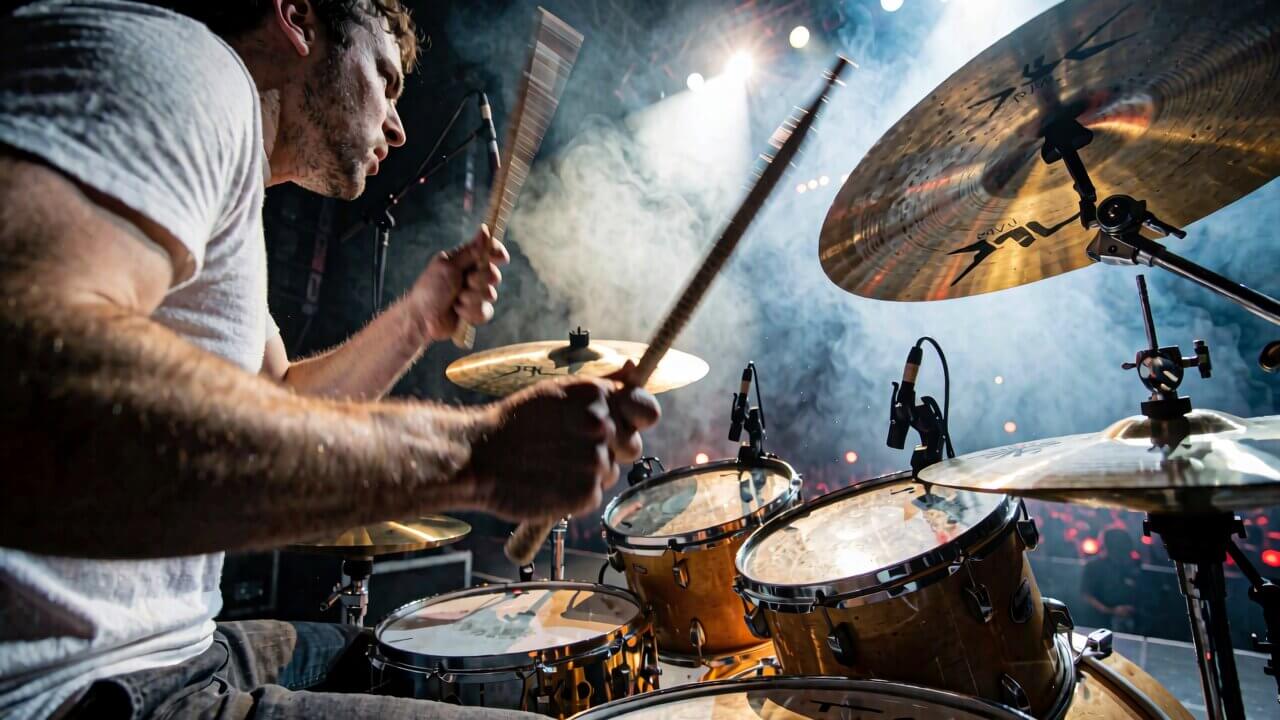

We cover the full setup, model downloads, and RAW vs. Turbo workflow in our full Krea 2 ComfyUI setup guide.
2. Ideogram 4.0 — Best for Text and Typography
Ideogram 4.0 is the biggest surprise on this list. Released June 3, 2026, it's Ideogram's first-ever open-weight model — every version before it, 0.1 through 3.0, was API-only. It's a 9.3-billion-parameter DiT trained from scratch on structured JSON captions, which is why it accepts JSON prompts with bounding-box layout and hex color control, not just plain text.
Its standout ability is in-image text. If your workflow involves posters, packaging, signage, or product mockups with legible text in the image itself, no other open-weight model on this list matches it.
VRAM
The nf4-quantized checkpoint fits on a single 24 GB GPU — the same tier as FLUX.2 and Stable Diffusion, not the enterprise-only tier. The fp8 checkpoint preserves more detail but needs more memory.
License — read this one carefully
The public Hugging Face weights are released under the Ideogram 4 Non-Commercial Model Agreement — free for personal projects, research, and learning, but not for client work, paid products, or any commercial pipeline. Commercial deployment requires a separate paid license.


Full install steps and JSON prompting basics are in our Ideogram 4.0 install guide.
3. FLUX.2 — Best for Multi-Reference Consistency
FLUX.2 from Black Forest Labs is the current benchmark for output consistency at high resolution. It introduces native 4-megapixel generation — a real leap over the roughly 1-megapixel ceiling of older U-Net architectures — and Multi-Reference Support, which lets you feed the model several reference images (a character, a style, a product) and have it blend them without extra fine-tuning.
VRAM
GGUF Q4 variants run on 8 GB VRAM, making FLUX.2 the most accessible model on this list for lower-end cards. FP8 quantization is optimized specifically for NVIDIA RTX hardware.
License
Flux.1-schnell ships Apache 2.0 (free for commercial use). Flux.1-dev and FLUX.2-dev weights carry a non-commercial license — check the exact variant before shipping commercial work.

See our FLUX.2 ComfyUI workflow for the full node setup.
4. Qwen-Image 2.0 — Best for Bilingual Text and Speed
Qwen-Image 2.0, released February 10, 2026 by Alibaba, consolidates generation and editing into a single 7-billion-parameter model that outputs natively at 2K resolution (2048×2048). Its edge is typography — English and Chinese text, product labels, and UI mockups render with a legibility most Western models still can't match consistently.
The distilled Qwen-Image Lightning variant cuts inference to 4 steps, roughly a 10x speedup over the standard 40-step pipeline, with minimal quality loss.
VRAM
Comfortable on 12–16 GB cards with FP8 quantization.
License
Apache 2.0 — one of the most commercially permissive licenses of any model on this list. No revenue caps, no separate commercial agreement needed.
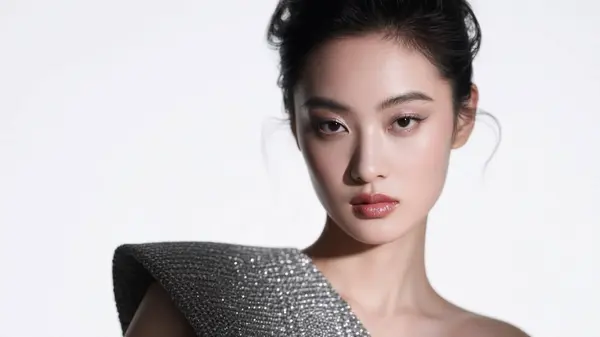
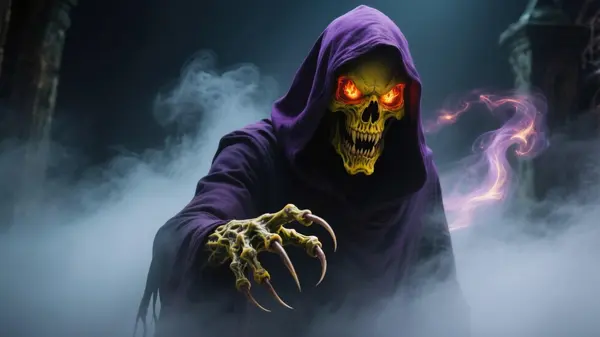
Setup steps are in our Qwen-Image ComfyUI guide.
5. Z-Image — Best for Speed on Low-End Hardware
Z-Image is a lightweight, fast open text-to-image model built for everyday generation rather than maximum fidelity. On data-center GPUs it generates in around one second; on consumer cards it remains the fastest option on this list when throughput matters more than top-end quality.
VRAM
Runs comfortably on 8 GB cards — the lowest requirement of any model here.

Setup is covered in our Z-Image ComfyUI workflow guide.
6. HunyuanImage 3.0 — Best for Complex, Long Prompts (High-VRAM Only)
Tencent's HunyuanImage 3.0 is the largest model on this list by far — an 80-billion-parameter Mixture-of-Experts architecture with roughly 13B active per token, trained on over 5 billion image-text pairs. It can process prompts over 1,000 characters long and handle layered, multi-element scene descriptions that smaller models tend to simplify or drop details from.
VRAM
Full precision needs around 80 GB even at int8 — workstation or cloud territory, not a consumer desktop. Included for completeness, not as a realistic recommendation for most ComfyUI users on a single RTX card.
Full Model Comparison Table
The six models above are the ones worth running today. The table below adds the models that defined the previous generation — 2023–2025 releases still installed on plenty of GPUs — alongside every 2026 model covered in this article, so you can see the full field at a glance.
| Model | Params | Released | License (commercial use) | Min VRAM (quantized) | Best at |
|---|---|---|---|---|---|
| Krea 2 Turbo | 12B | Jun 2026 | Krea 2 Community License (rev. under $1M) | ~12 GB (fp8) | Photorealism, style fidelity |
| Krea 2 RAW | 12B | Jun 2026 | Krea 2 Community License (rev. under $1M) | ~24 GB (int8) / 32 GB+ (bf16) | LoRA training base |
| Ideogram 4.0 | 9.3B | Jun 2026 | Ideogram 4 Non-Commercial (open weights) | ~24 GB (nf4) | In-image text, typography |
| FLUX.2 [dev] | 32B | Nov 2025 | FLUX Non-Commercial | ~32 GB (fp8) | Highest quality, multi-reference editing |
| FLUX.2 [klein] 4B | 4B | Jan 2026 | Apache 2.0 ✅ | ~13 GB | Sub-second generation, commercial-safe |
| Qwen-Image 2.0 | 7B | Feb 2026 | Apache 2.0 ✅ | ~8–12 GB (fp8) | Native 2K, bilingual text, speed |
| Z-Image Turbo | 6B | Nov 2025 | Apache 2.0 ✅ | <16 GB (8 steps) | Speed + low VRAM |
| HunyuanImage 3.0 | 80B (13B active) | Sep 2025 | Tencent Hunyuan Community License (free under 100M MAU) ✅ | ~80 GB (int8) | Long, complex prompts, reasoning |
| FLUX.1 [dev] | 12B | Aug 2024 | FLUX [dev] Non-Commercial | ~12 GB (GGUF Q4) | Prompt adherence, photoreal |
| FLUX.1 [schnell] | 12B | Aug 2024 | Apache 2.0 ✅ | ~12 GB (GGUF Q4) | Fast + commercial-safe |
| Qwen-Image (original) | 20B MMDiT | Aug 2025 | Apache 2.0 ✅ | ~12–13 GB (GGUF Q4) | Text-in-image |
| HiDream-I1 | 17B | 2025 | MIT ✅ | ~16 GB | Complex prompt understanding |
| Hunyuan-DiT | 1.5B | May 2024 | Tencent Hunyuan Community License ✅ | ~8 GB | Chinese text rendering |
| Kolors | ~2.6B | Jul 2024 | Apache 2.0 ✅ | ~8 GB (int8) | Photorealism, bilingual prompts |
| SD 3.5 Large | 8.1B | Oct 2024 | Stability Community License ✅ | ~12 GB (fp8) | Mid-ground quality |
| PixArt-Sigma | 0.6B | 2024 | PixArt License | ~8 GB | Low-VRAM systems, 4K output |
| SDXL 1.0 | 3.5B (base) | Jul 2023 | CreativeML OpenRAIL++-M ✅ | ~6–8 GB | LoRA / style breadth |
Which Model Should You Actually Run? (By VRAM)
| Your GPU | Recommended model | Why |
|---|---|---|
| 8 GB VRAM | FLUX.2 (GGUF Q4) or Z-Image | Both are built specifically for low-VRAM cards without heavy quality loss |
| 12–16 GB VRAM | Krea 2 Turbo (FP8) or Qwen-Image 2.0 | Best quality-to-VRAM ratio in this tier |
| 24 GB VRAM (RTX 4090) | Ideogram 4.0 (nf4) or Krea 2 Turbo | Full access to Ideogram's text rendering, or Krea 2 with headroom for higher resolutions |
| 32 GB+ VRAM | Krea 2 RAW (BF16) for LoRA training | Only tier where the full undistilled RAW checkpoint fits resident |
| 40 GB+ VRAM / cloud | HunyuanImage 3.0 | Only realistic path to the largest reasoning-focused model |
Local Model vs. Cloud API — Is Self-Hosting Worth It?
Cloud generation APIs typically charge $0.02–$0.08 per image. That's negligible for occasional use, but it compounds fast at production volume — a few hundred images a day turns into a real monthly bill.
Running locally, your only ongoing cost is electricity once the model is on your drive. You also keep full control over your prompts and outputs, with nothing sent to a third-party server — which matters if you're generating anything involving client work or unreleased product concepts.
The tradeoff is upfront hardware cost and setup time. If you're already running ComfyUI for other workflows, the marginal cost of adding one more model is low. If you generate fewer than a few dozen images a month, a hosted API may still be simpler.
Frequently Asked Questions
What to Do Next
Pick one model and install it first.
Match your GPU to the VRAM table above and install one model before trying all six. If you're not sure where to start, the roadmap lays out the full progression from installing ComfyUI to running these 2026 models in order.
Published: 2026-07-08 · Last updated: 2026-07-08
Join the discussion
Sign in to leave a comment or reply
No comments yet
Be the first to share your thoughts!